
The intelligent PDF workshop
Simple online PDF tools for every document.
Convert, compress and organize PDF files with fast, secure online tools designed for every document workflow.
Without installation Protected files Mobile compatible

TREATMENTFast & clean
Secure connection
SELECTED TOOLMerge PDF
Drag your files herePDF, JPG or PNG · 100 MB maximum
ALL TOOLSA complete office.
A complete office.
Without the mess.
Choose an action and move forward. Each tool remains simple to understand, even for a first use.
A FLUID EXPERIENCEFewer clicks.
Fewer clicks.
More than results.
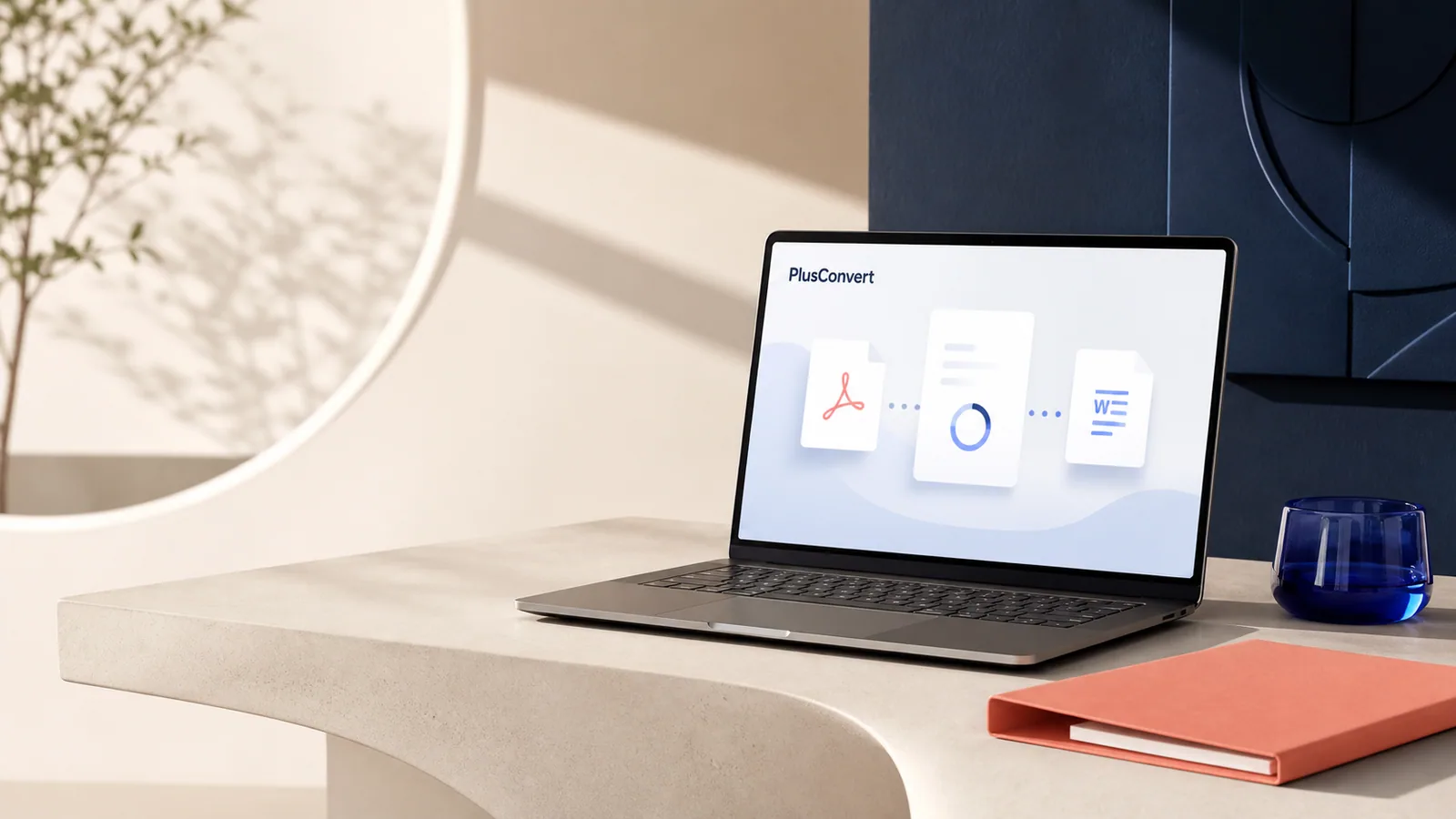
We've removed anything that slows down your work. No complicated menus: your document, the correct action, then the result.
- 01DropSelect your document in one gesture.
- 02AdjustChoose only useful options.
- 03DownloadRecover a clean file, ready to use.
Fast & clean
We remove distractions, clarify options, and prioritize a consistent experience across desktop, tablet, and mobile.
No installation
Essential tools remain accessible without installation.
Document processing
Some tools process files in your browser. Others send the selected document or extracted text to external services for the requested operation.
TRUST BY DEFAULTYour files belong to you.
Your files belong to you.
Period.
Privacy is not a hidden option in the settings. It guides each step of the treatment.
Some tools process files in your browser. Others send the selected document or extracted text to external services for the requested operation.
Essential tools remain accessible without installation.
Download your result and choose where to save it.
A professional tool should be powerful without appearing complicated. This is exactly the idea behind PlusConvert.
PC
The PlusConvert teamSimple by choice. Serious by nature.
NEED HELP?The answers,
The answers,
without detour.
Everything you need to know before you start.
Are my files protected when I use PlusConvert?+
Yes. Files are transferred through a secure connection and are used only to perform the action you request. They are never reused to train a system, sold, or shared for advertising purposes.
Are files uploaded or stored?+
Local tools keep supported files in your browser. Professional Office conversion, PDF/A, compression, AI summary and translation securely transfer the selected document or extracted text to the processing provider for the requested operation. Provider processing is temporary and is described in the Privacy Policy.
Can I use PlusConvert on a phone or tablet?+
Yes. The interface adapts to smartphones, tablets, laptops, and desktop computers without requiring an installation. For large or complex documents, a stable internet connection and a recent browser will provide the best experience.
Which document formats are supported?+
PlusConvert is designed for PDF as well as common formats such as Word, PowerPoint, Excel, JPG, PNG, WebP, HTML, and Markdown. The accepted formats and maximum file size are clearly shown on each tool page before you upload anything.
Will conversion preserve the quality and layout?+
The tools aim to preserve text, images, tables, and the essential layout as accurately as possible. Very complex fonts, scanned pages, unusual tables, or interactive elements may require a quick review after conversion, so check important documents before sharing them.
Can I process several files at the same time?+
Tools such as Merge PDF, JPG to PDF, Scan to PDF, and Compare PDF accept multiple files when the operation requires them. Each page indicates whether one or several documents can be selected and guides you through their order before processing.
Is PlusConvert free to use?+
Yes. Free includes up to 5 operations per day and files up to 100 MB. Pro includes up to 100 operations per day and files up to 500 MB for $7.99 monthly or $59.99 yearly. Only available features are included.
Does PlusConvert currently offer OCR?+
Yes. The OCR tool recognizes English text in a scanned PDF or image directly in your browser and creates a new PDF with selectable text. Always review names, numbers and important passages after recognition.
What should I do if a file cannot be processed?+
First verify the format, size, password protection, and condition of the original file. Then try a recent browser or a smaller document; if the issue continues, contact support with the tool name and error message, but never send a confidential file by email.
May I process copyrighted or confidential documents?+
You may process a document only when you own it or have the necessary permission to use it. For sensitive files, review your organization’s rules before uploading, keep a secure original copy, and use the privacy and security tools appropriate to the document.
Latest Articles
PlusConvert Blog
Practical PDF guides, document productivity tips and PlusConvert tutorials.
View all articles
PlusConvert Tutorials
Best AI PDF Summarizers: How to Compare Accuracy, Privacy, and Sources
Compare AI PDF summarizers for long reports, research, contracts, and business documents without losing source context or trust.
Sep 3, 2026Read more
PDF Guides
Best OCR Tools for Scanned PDFs: Accuracy, Languages, and Review
Learn how to compare OCR tools for scanned PDFs, multilingual documents, tables, privacy, accessibility, and reliable searchable text.
Sep 3, 2026Read more

PDF Productivity
How to Reduce PDF Size for Web and Email Without Losing Trust
A practical guide to reducing PDF file size for websites and email while keeping text, images, forms, and signatures usable.
Sep 3, 2026Read more
Give your PDFs
the treatment they deserve.
Explore tools